
Configuring Eduplaces in Edlink
- In the Eduplaces portal, locate your application's Application ID and Application Secret and copy them.
- In Edlink, open your application and select Data Providers from the left-hand menu.
- Find Eduplaces and click Settings.
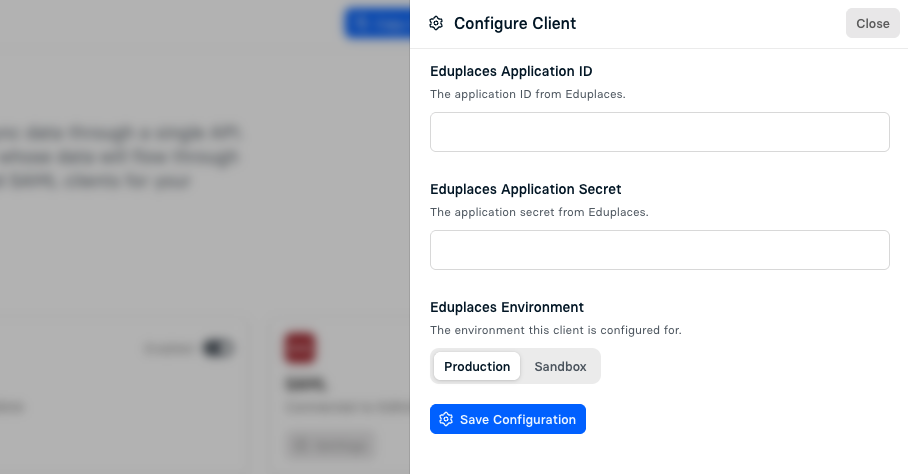
- Enter the following values:
- Eduplaces Application ID — required
Found in the Eduplaces portal. - Eduplaces Application Secret — required
Found in the Eduplaces portal. - Eduplaces Environment — defaults to Production
Select the environment your client is configured for.
- Eduplaces Application ID — required
- Save your configuration and enable Eduplaces from the list of data providers.
You may need to have your application approved in Eduplaces before your application becomes available.
To request access or support, please contact the Eduplaces team here.