
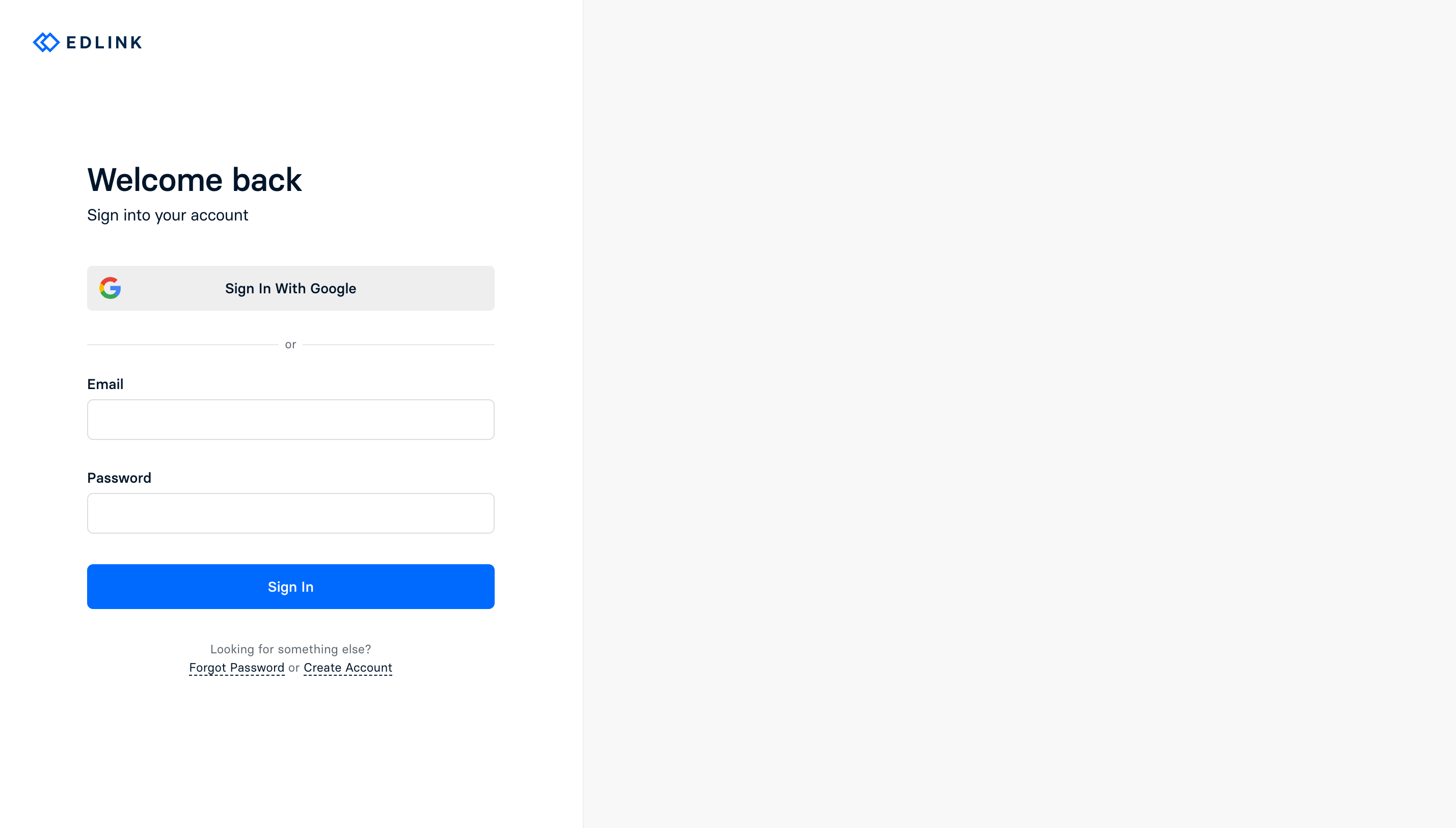
If you already have an Edlink account, you can sign in by clicking the link here and entering your email in the provided fields.
If you would prefer to sign in with your Google account, you can do so by clicking the Sign in With Google button. This button will still work as expected even if you initially created your account via magic code sign in.
Magic Codes
Edlink also supports signing in via Magic Codes (email verification codes). When you choose this option, a code is sent to your email address which you can use to complete the log in attempt.
If you do not receive the email containing your code, please check your spam or junk folder. In some cases, strict email security gateways (such as Mimecast) may block these emails. If you suspect this is happening, please advise your IT team to whitelist support@ed.link to ensure delivery of login emails.
Please note that requesting a new code does not immediately invalidate all previous codes. This is an intentional design choice to accommodate potential email delivery delays and ensure a smooth user experience. If you request multiple codes, one earlier code will remain valid for a short duration so that you can still sign in successfully even if they arrive out of order.
Two Factor Authentication
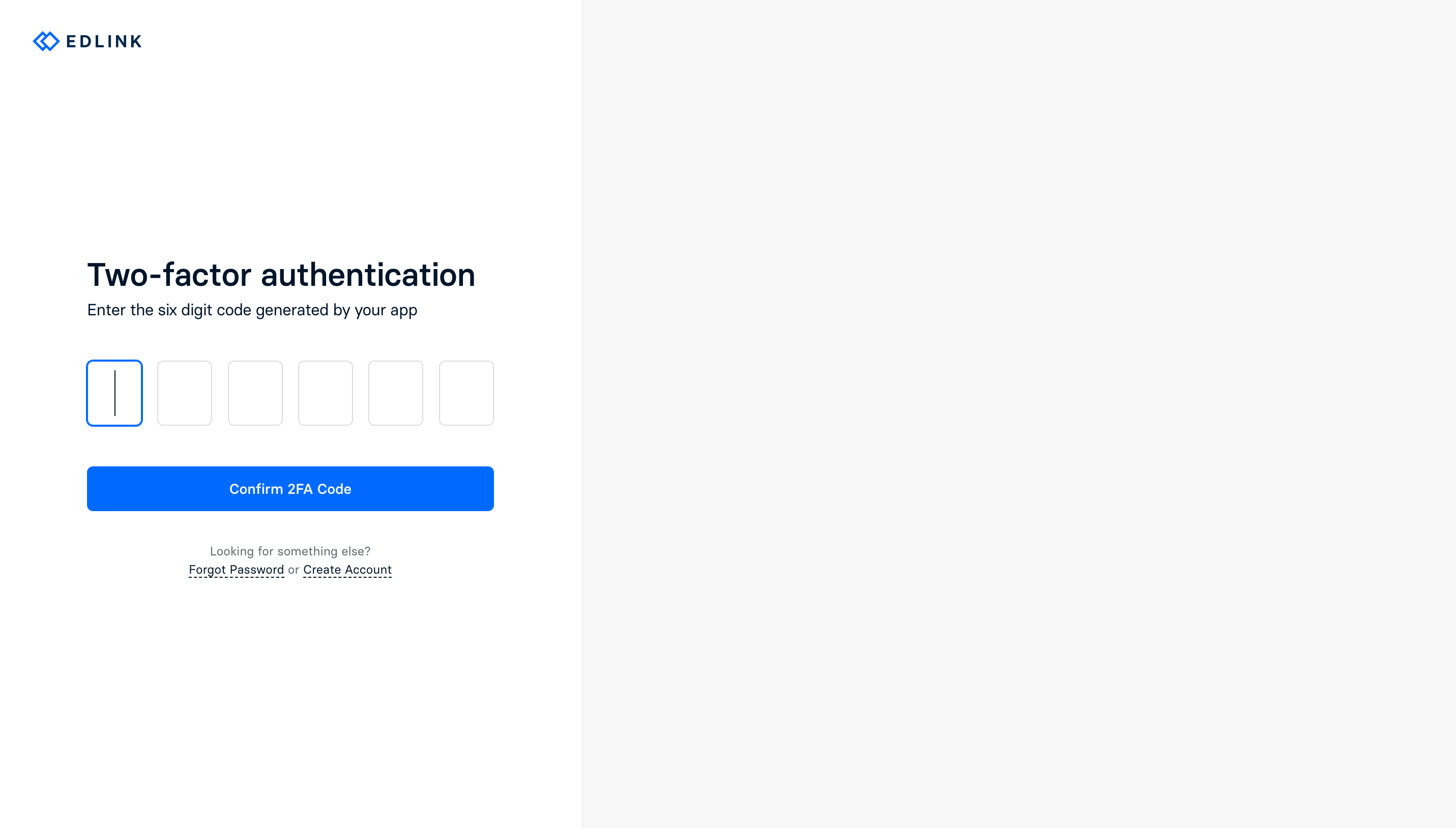
If you previously enabled two-factor authentication on your account (which is highly recommended), you will be prompted to enter a code generated by your authenticator app. These codes are time-sensitive and will expire after a short period of time. If you do not have access to your authenticator app, you will have to contact our support team, who will manually verify your identity and unlock your account.
Account Lockout
After a certain number of failed login attempts, your account will be locked out for security purposes. This lockout is scoped to your specific user identity (email address string).
Please note that email aliases (such as Gmail '+' aliases) are treated as distinct accounts by design. Creating or accessing an account via an alias does not constitute a bypass of the original account's lockout, as the alias is recognized as a separate identity within the system.
If you are locked out of your account, please contact the Edlink support team, who will assist you in unlocking your account.
Notes
As of February 2026, we no longer support password based sign in. If you previously used a password to sign in, you can now sign in with your Google account or a Magic Code.