
Onboardings are how school districts connect with your learning application. Upon receiving an onboarding link, districts can follow a simple set of steps to get started. These steps include:
- Creating a District Team: If the district team does not already exist, they can set one up during the onboarding process.
- Connecting Their School Data Source: Districts can integrate their school data source, such as an LMS, SIS, CSV, or another compatible system.
Reusing Existing Connections
A common point of confusion is whether to reuse an existing SIS configuration (instance) for a new application integration.
- District Team (Instance): Reused. The District Team acts as the container for the district's data and configurations. It is reused across all connected applications.
- Integration: New. A distinct Integration connection is established for each new application to allow for app-specific permissions and settings.
This process is typically initiated via an Onboarding Link provided by the application developer. When a district administrator clicks this link, they can grant the new application access using their existing Data Source, establishing a new Integration without re-entering credentials.
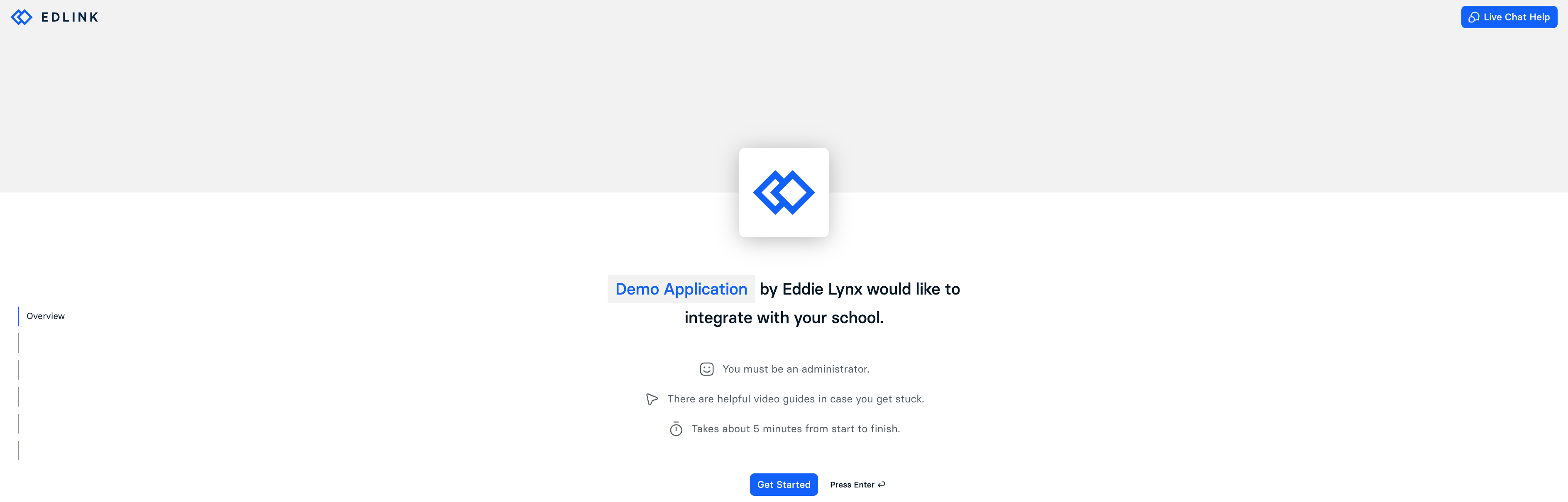
Note: Upon completion of the onboarding flow, the integration will automatically be placed into the 'requested' state. This allows developers to review the integration, configure sharing rules or product licensing rules, and then enable the integration, allowing users to be shared with the learning app. Be aware that onboarding real schools with PII requires an executed Master Services Agreement (MSA) before the integration can be fully activated.