If you onboarded your Google Classroom using Edlink’s legacy integration method, you will need to update your Google Classroom permissions.
Before Getting Started
You must be a Google Administrator to complete this process.
Make sure you have access to the App Access Control page in your Google Admin Console.
If you cannot access this link using your school-assigned Google account, you will need assistance from an administrator with additional privileges.
Check Whether Migration Is Needed
- Log into your Edlink account.
- Click Sources in the left-hand sidebar.
- Select the Google Classroom data source you want to review.
- Click Settings at the top of the data source menu.
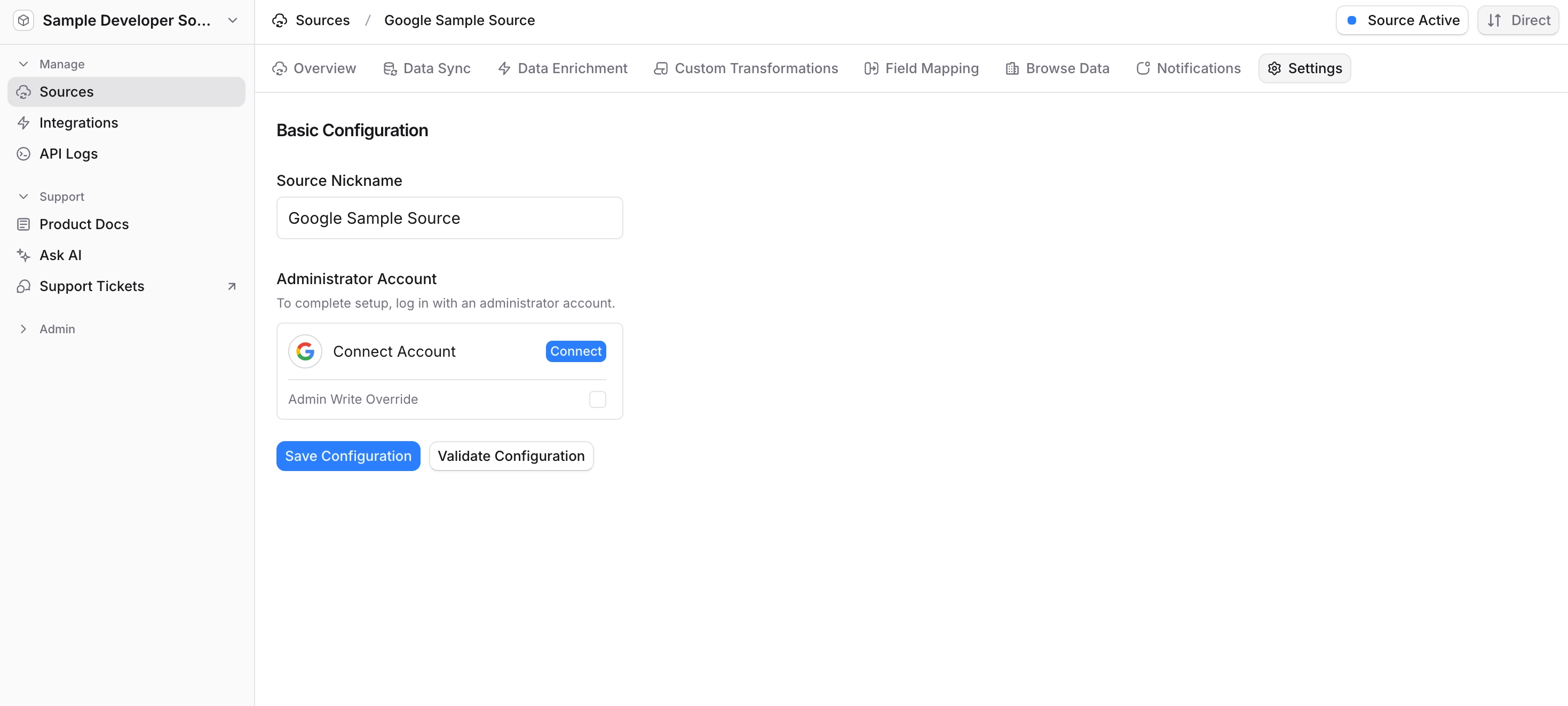
- Under Administrator Account, click Validate Configuration.
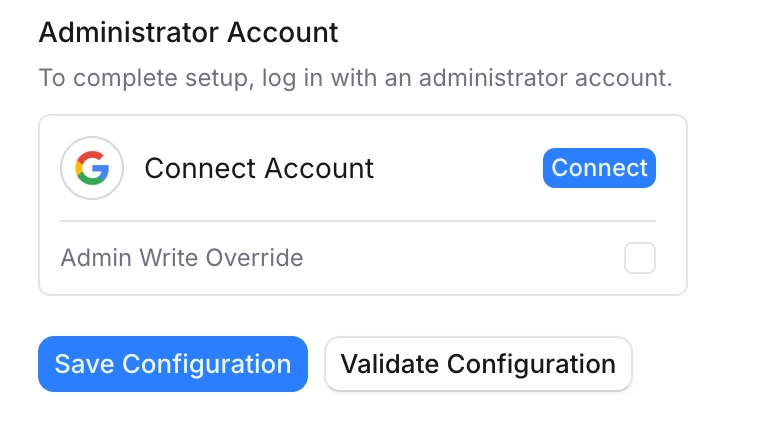
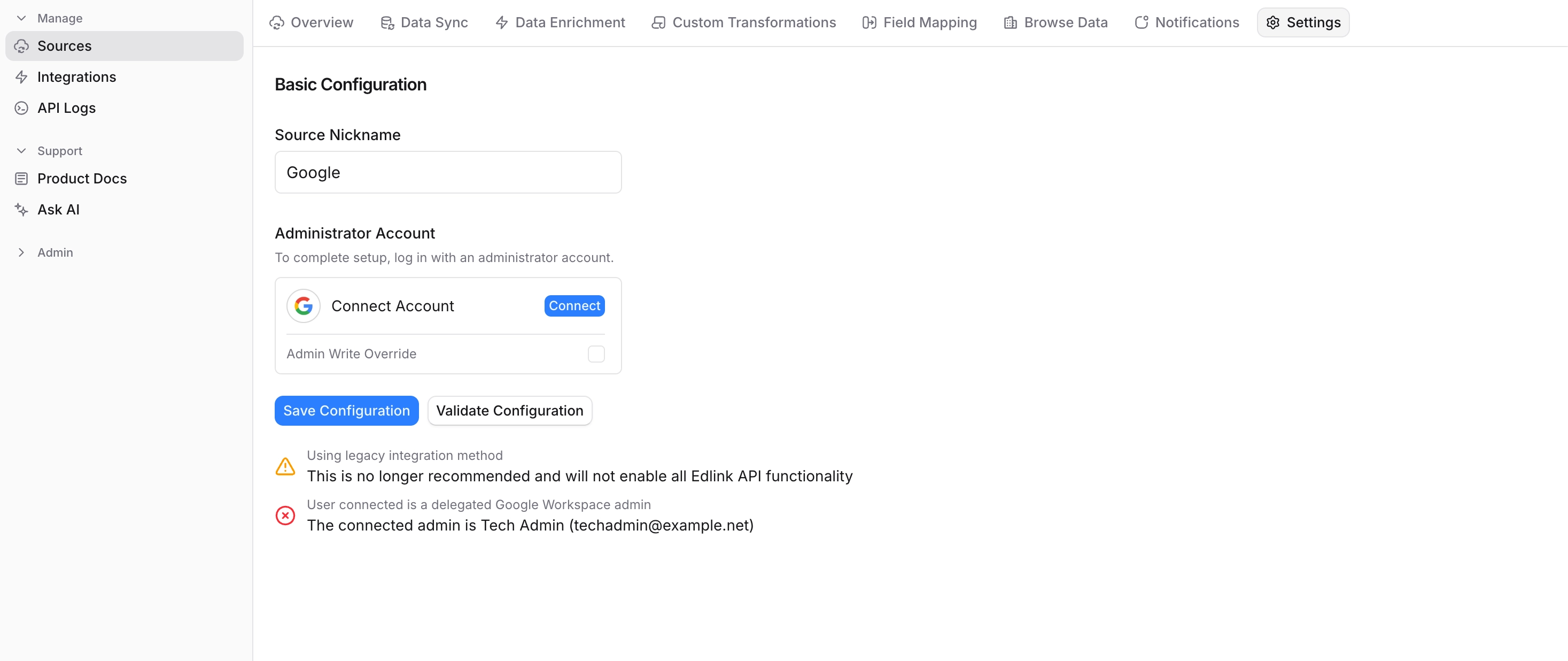
If you do not see a warning message stating that you are using the Legacy integration method, no further action is needed.
Update Your Google Classroom Source
Configure Google Workspace Delegated Authority
- Open the Domain-wide Delegations settings page.
- Enter Edlink’s Service Account Client ID:
102054707346365691373
- Enter the following OAuth scopes:
https://www.googleapis.com/auth/classroom.profile.emails,
https://www.googleapis.com/auth/classroom.profile.photos,
https://www.googleapis.com/auth/classroom.courses.readonly,
https://www.googleapis.com/auth/classroom.rosters.readonly,
https://www.googleapis.com/auth/admin.directory.orgunit.readonly,
https://www.googleapis.com/auth/admin.directory.user.readonly,
https://www.googleapis.com/auth/classroom.guardianlinks.students.readonly,
https://www.googleapis.com/auth/classroom.push-notifications,
https://www.googleapis.com/auth/classroom.coursework.students,
https://www.googleapis.com/auth/classroom.courseworkmaterials,
https://www.googleapis.com/auth/classroom.coursework.me,
https://www.googleapis.com/auth/classroom.topics
- Click Authorize.
Notify Edlink
Once you've updated the permissions in your Google Workspace, email support@ed.link so we can verify everything is configured correctly.
Please include:
- Your school or district name
- The edtech app you are connecting to