You can customize which data providers appear in your generic onboarding flow.
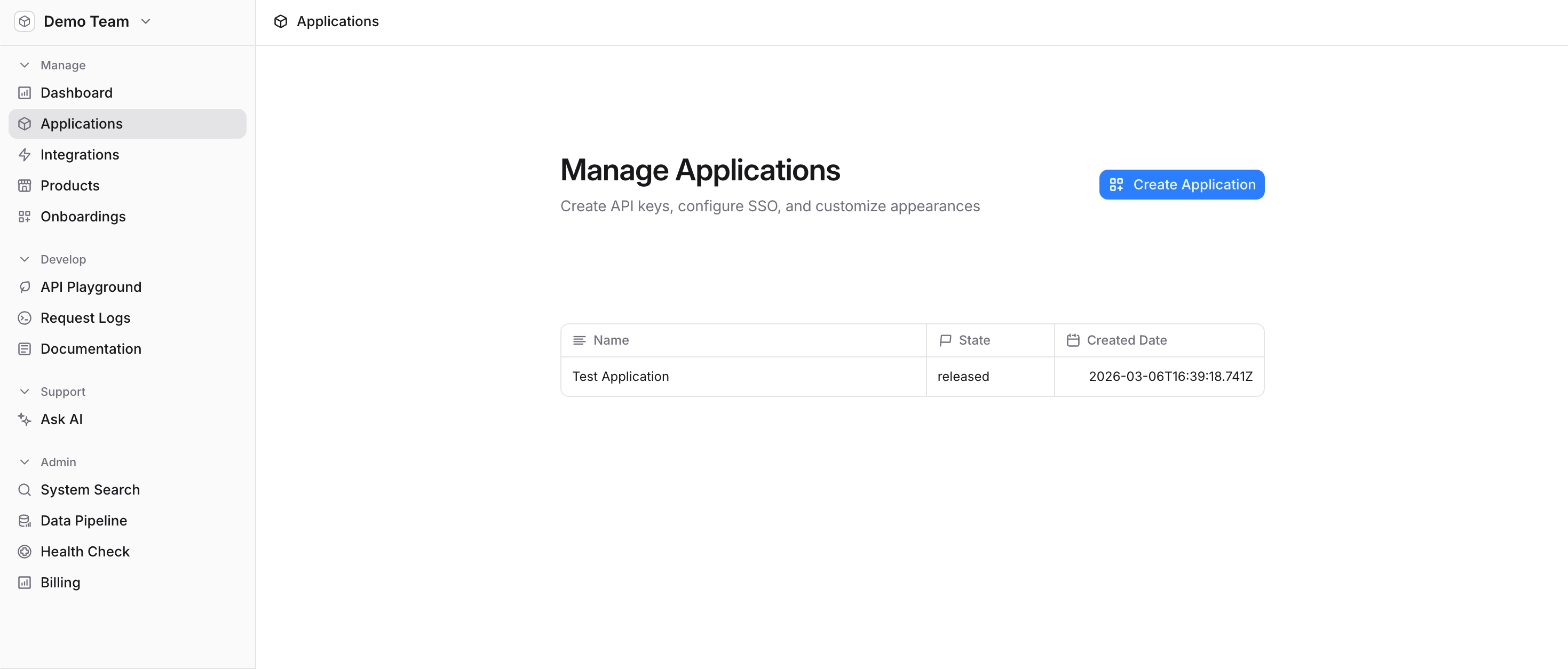
To get started, navigate to your Developer Team in the Edlink Dashboard. Then click Applications in the left-hand sidebar and select the application you want to update.
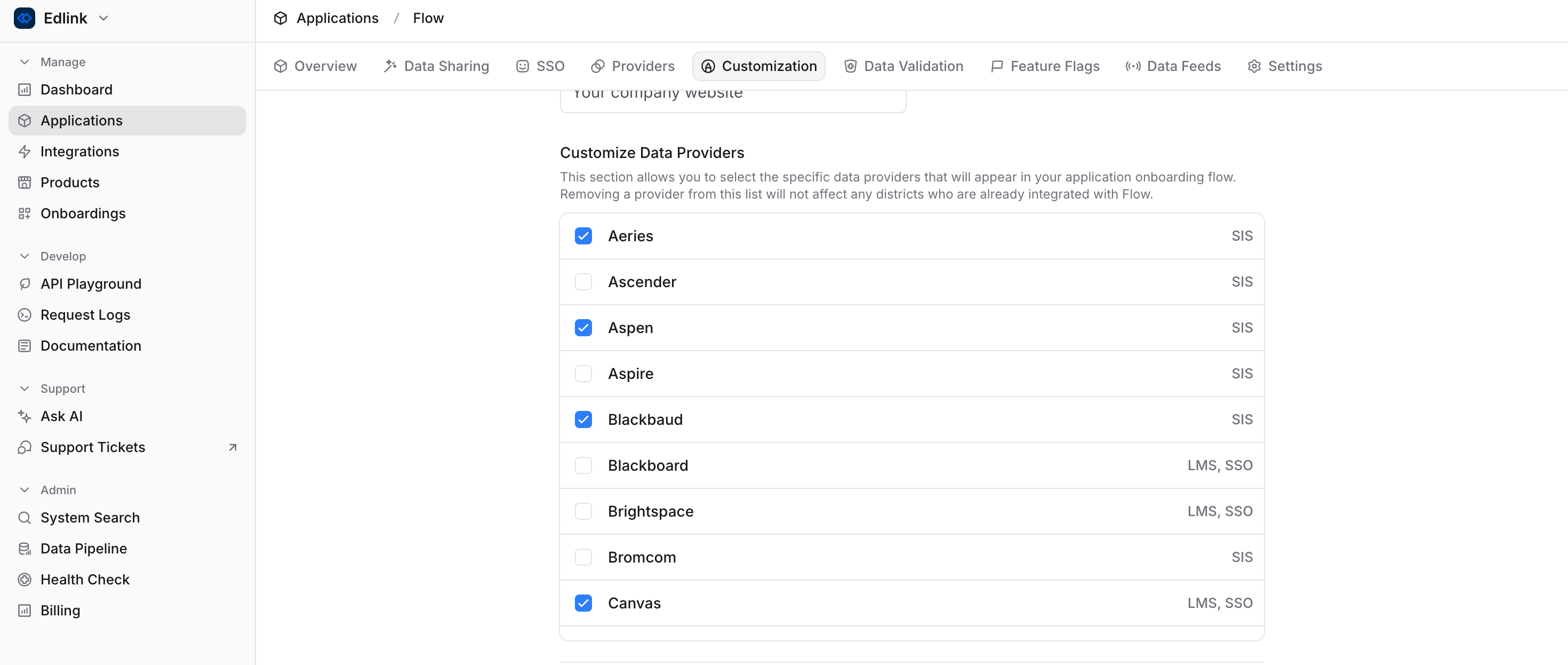
Once you’ve selected your application, click Customization in the top navigation bar. Then scroll down to the Customize Data Providers section.
From here, you can choose which data providers are visible in your onboarding flow:
- Check providers to include them in the onboarding experience
- Uncheck providers to remove them
After making your selections, scroll to the bottom of the page and click Save Changes.